v1.7 — BigQuery and Databricks are here.
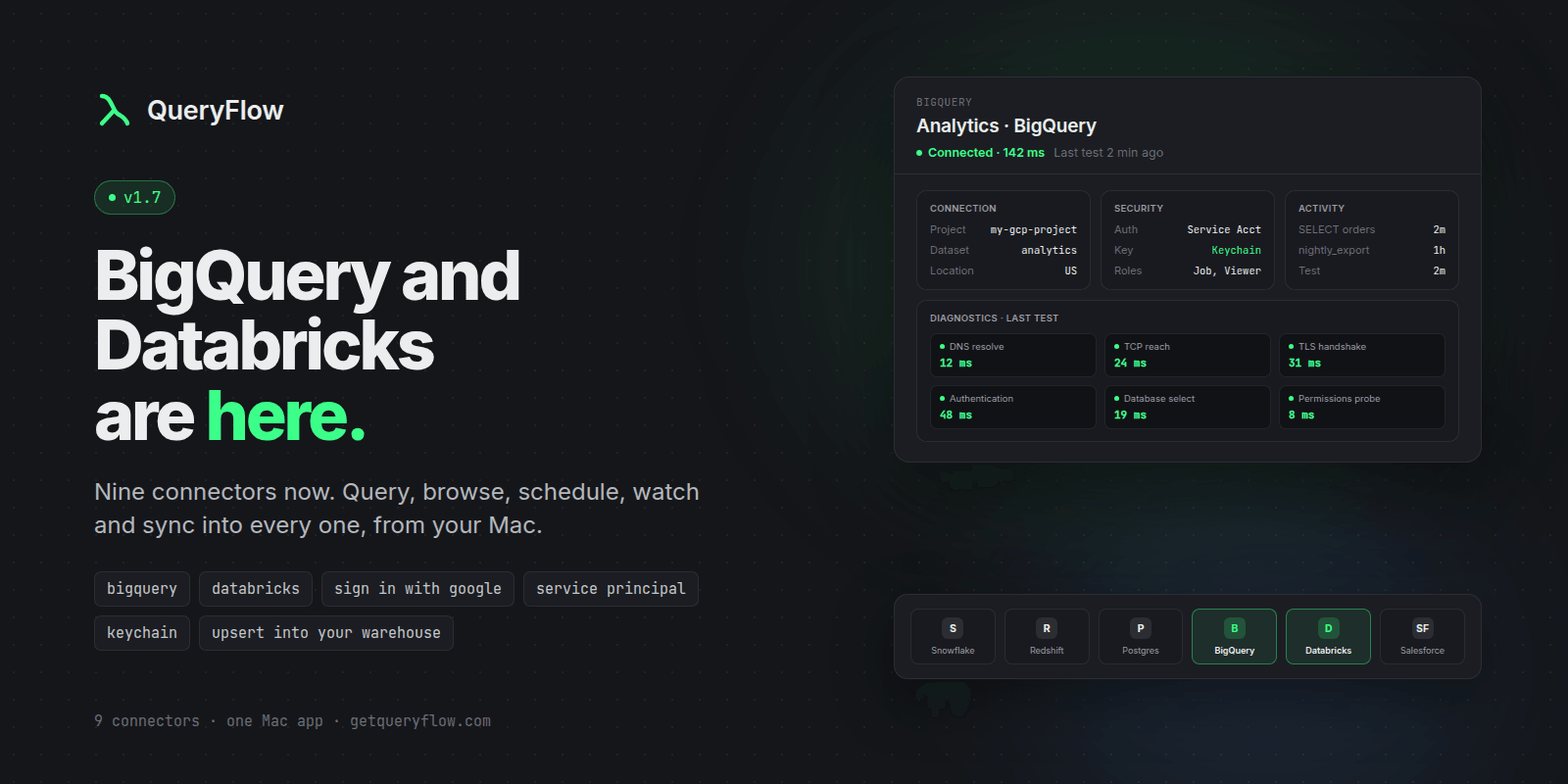
QueryFlow 1.7 connects to two of the biggest warehouses in data, and the Connections space got a full redesign.
New: Google BigQuery
Query any BigQuery project from the SQL editor and Flow Books.
Browse datasets, tables and columns in the explorer.
Sign in with Google, or use a service account JSON key.
Set a default dataset and location (US, EU, or any region).
New: Databricks
Query any Databricks SQL warehouse.
Browse catalogs, schemas, tables and columns.
Connect with a personal access token or a service principal.
Paste the HTTP Path from your warehouse page. QueryFlow finds the warehouse for you.
Improved: Connections and Destinations
Every connection opens to a clean header: name, status, last test, and Test / Edit / Delete in one place.
Details are grouped into cards: Connection, Security, Activity.
Destinations (S3, SFTP, Email, Slack and more) now match.
BigQuery and Databricks are new job destinations. Send scheduled results straight into a table, using the connection you already added.
The sidebar got a rebuild: cleaner rows, collapsible sections, live status and latency.
The new connection sheet is faster to fill: compact provider tiles, clearer fields, and Save always in view.
Good to know
Schedule it, Watch it, sync into it. Both run on the Scheduler (even with the app closed), Watches and Data Sync, as a source or a target.
A BigQuery service account needs the BigQuery Job User and BigQuery Data Viewer roles.